
Professional Headshot AI Prompts
Clean, professional headshot prompts for LinkedIn, CVs, company websites and speaker bios. Neutral backgrounds, flattering studio light and business outfits, made from one ordinary selfie.
16 prompts · free to copy · works with Gemini and ChatGPT
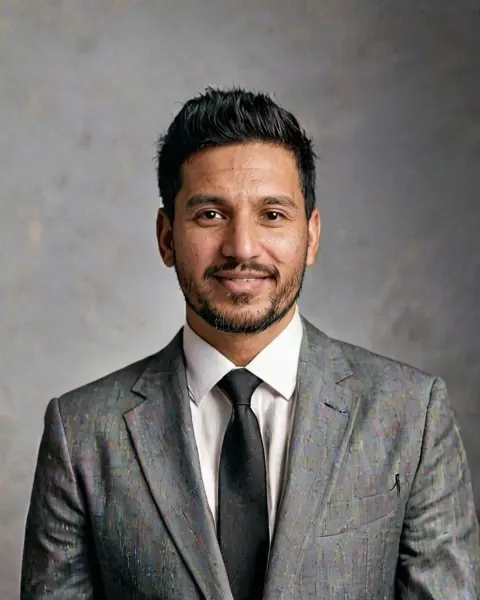 Black and white executive
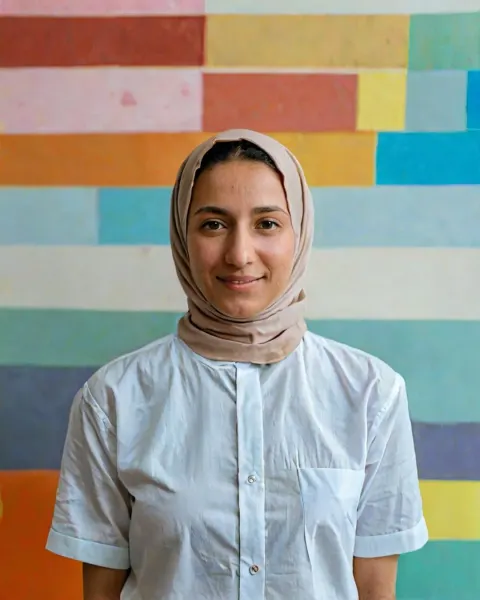 Creative director headshot
 Real estate agent headshot
 Startup founder headshot
 Corporate headshot grey
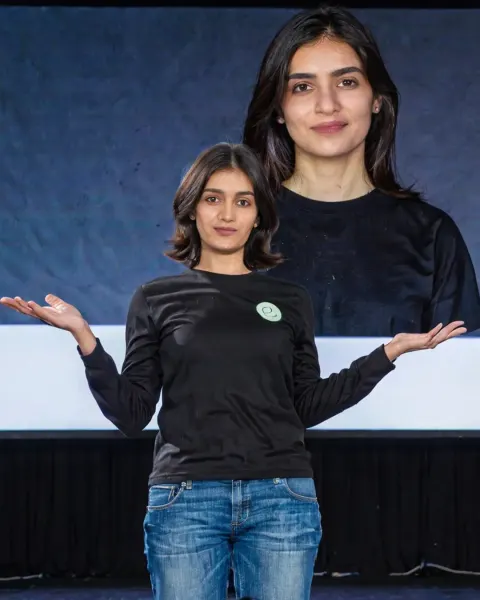 Tech founder keynote
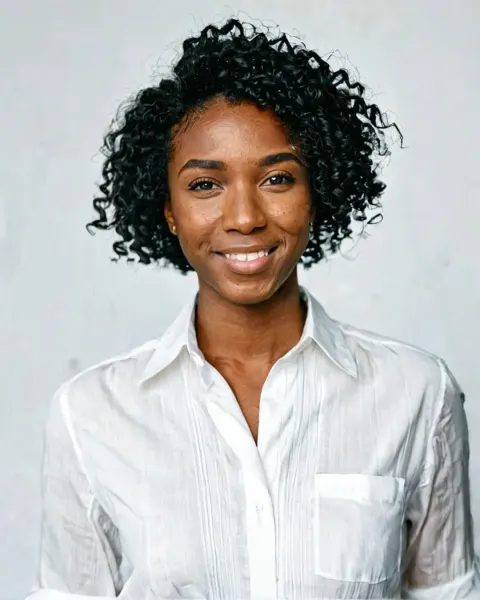 Black and white corporate
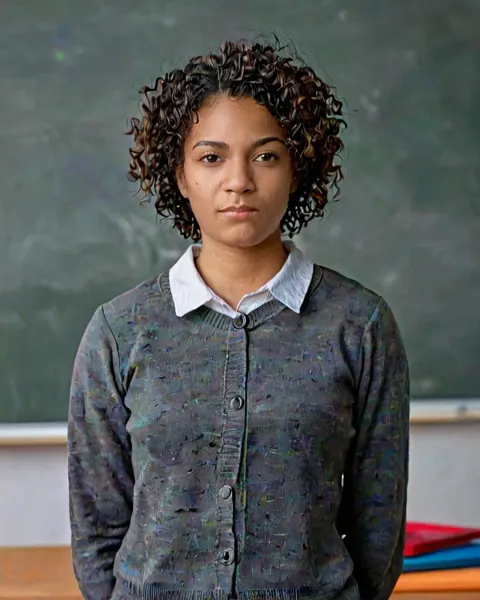 Teacher profile
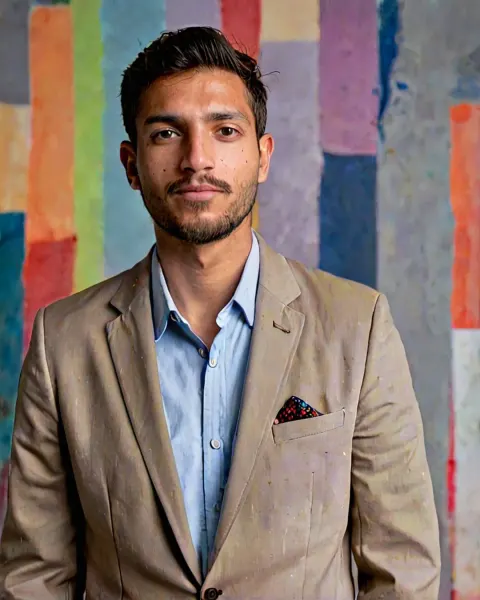 Creative agency headshot
 Lawyer headshot
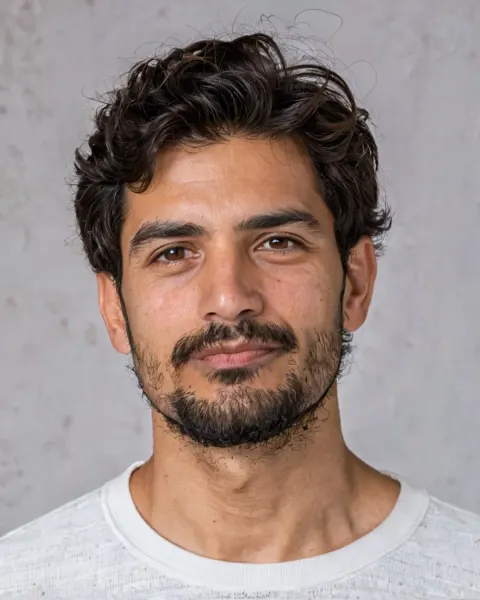 Actor portfolio headshot
 CEO magazine headshot
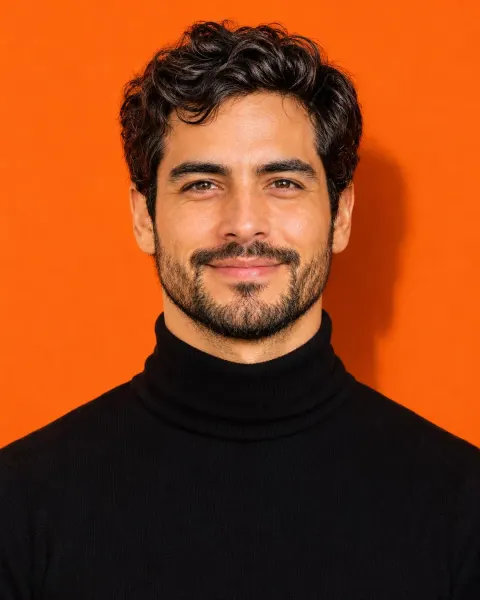 Studio colour backdrop headshot
 Old money aesthetic
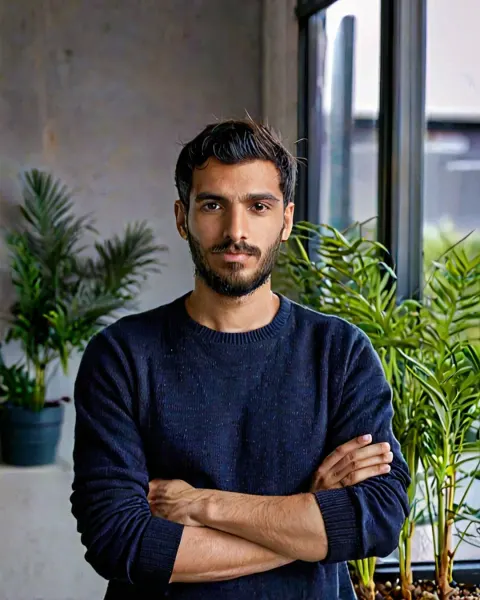 Startup founder office headshot
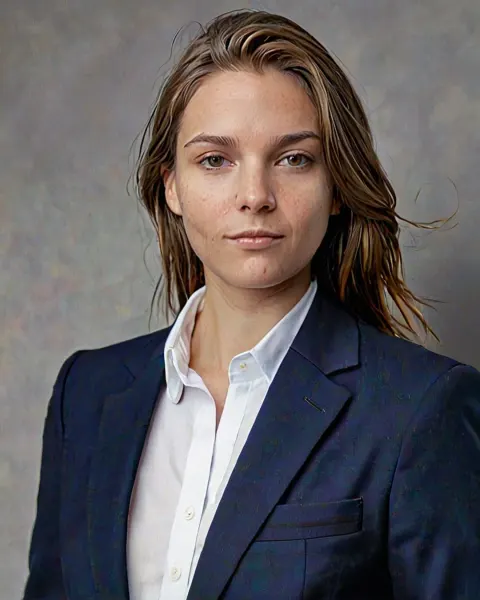 Pro LinkedIn headshot
A professional headshot from one selfie
Your profile photo is often the first thing a recruiter, client or new colleague sees. On LinkedIn, Naukri, a company website or a conference page, a clean, well-lit headshot makes you look prepared and trustworthy. A studio session costs time and money, and most phone selfies look too casual. Professional headshot AI prompts sit in between: upload one ordinary selfie to Gemini or ChatGPT and get a studio-style headshot with proper lighting, a neutral background and business clothes, while your face stays exactly the same.
The prompts on this page are written like a photographer's brief. They ask for an 85mm lens, soft key light, a plain or softly blurred background, and natural skin texture with visible pores, so the result looks like a real photo taken in a studio rather than an obvious AI render.
How to use headshot prompts in Gemini and ChatGPT
- Choose a style from the grid above and copy the prompt.
- Take or pick a selfie: face the camera, stand near a window, no filter, no sunglasses. The sharper the photo, the better the likeness.
- Open Gemini or ChatGPT, tap + and upload the photo.
- Paste the prompt and send it.
- Ask for a square crop for LinkedIn and most job portals, or a 4:5 crop for websites and speaker bios.
Choosing the right style for your field
Not every headshot should look the same. The right style depends on who will see it.
- Corporate, finance, law and consulting. Go classic: a dark suit or blazer, plain grey or navy background, soft even light. Pro LinkedIn headshot and Lawyer headshot are made for this.
- Tech and startups. Slightly more relaxed: smart-casual, an office or stage behind you, a friendly smile. Try Startup founder office headshot or Tech founder keynote.
- Creative jobs. Designers, marketers and agency people can use colour and personality, as in Creative agency headshot or Studio colour backdrop headshot.
- Teaching and healthcare. Warm and approachable matters most. Teacher profile uses a bright classroom and a natural smile.
- Leadership and media. For a stronger, editorial feel, CEO magazine headshot and Black and white corporate look confident and timeless.
What recruiters actually notice
A good headshot is not about looking glamorous. It is about looking like yourself on a good day. A few things matter most:
- Your real face. If your headshot looks very different from you in an interview or video call, it works against you. Keep the realism lines in the prompt and avoid heavy retouching.
- Eye contact and a natural smile. Looking into the camera with a relaxed expression reads as confident and friendly.
- Simple background. Busy backgrounds distract. Plain studio walls or soft office blur are safest.
- Clothes that fit your field. A suit for a bank, a smart shirt for tech, something with colour for creative roles.
- Head and shoulders framing. Your face should fill most of the frame, especially for small profile circles.
Tips for better AI headshots
- Glasses. If you wear glasses daily, keep them. Add "keep my glasses, no glare on the lenses".
- Grey hair and hairline. Ask the AI to keep them as they are. An honest headshot builds trust.
- Skin tone. If the result looks lighter or darker than you, reply "keep my exact skin tone from the photo".
- Outfit swaps. Replace the outfit in the prompt with what you really wear to work, such as "a light blue shirt, no tie" or "a cotton saree with a simple blazer".
- Make a set. Use the same prompt twice with small changes (blazer and no blazer, smile and neutral) so you have options for different platforms.
Where to use your AI headshot
LinkedIn, Naukri, Indeed and other job portals; your CV or portfolio; company "about us" and team pages; conference and webinar speaker bios; email signatures and Slack or Teams profiles. For government IDs, passports and official forms, always use a real photo that meets the rules. For a plain photo-studio look, see Passport-style clean photo in the realistic section, which is meant for practice and personal use, not official documents.
For more personal, creative portraits, the portrait prompts give you more light and mood.
Frequently asked questions
Can I use an AI headshot on LinkedIn?
Yes, many people do. Make sure it still looks clearly like you, with your real face, skin tone and hair, so people recognise you in meetings and interviews.
What is the best background for a professional headshot?
A plain grey, navy or softly blurred office background works for most jobs. Creative fields can use colour, but keep it simple so your face stays the focus.
How do I make an AI headshot look real?
Use a sharp daylight selfie without filters and keep the prompt's realism lines (natural skin texture, real hair strands, no airbrushing). Avoid asking for heavy retouching.
Can I use an AI headshot for a passport or ID?
No. Official documents need a real, recent photo taken under their rules. Use AI headshots for professional profiles, websites and bios.
Other categories
 Realistic312 prompts
 Christmas31 prompts
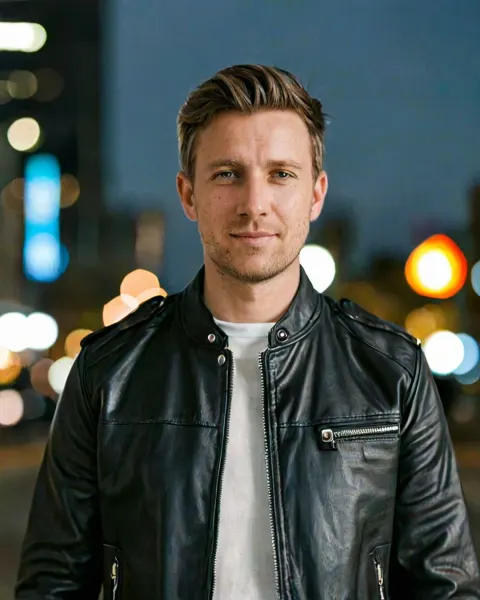 Instagram111 prompts
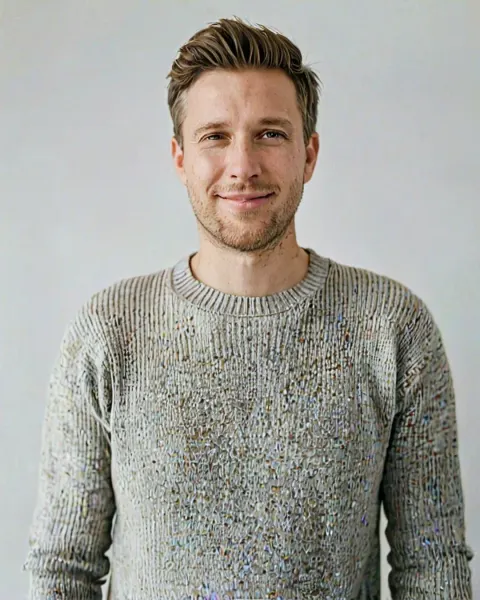 Portrait47 prompts
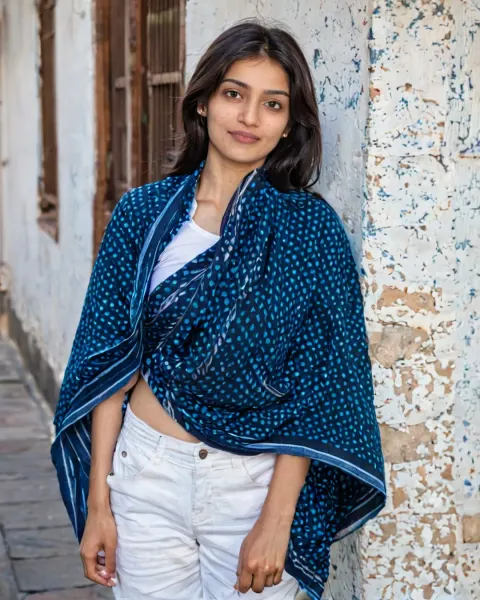 Saree30 prompts
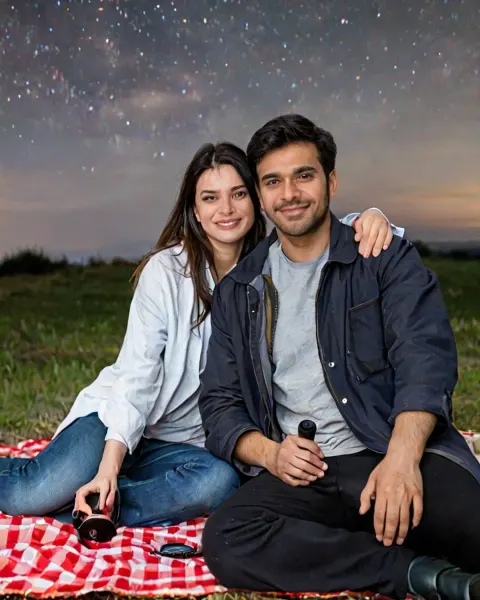 Couple41 prompts
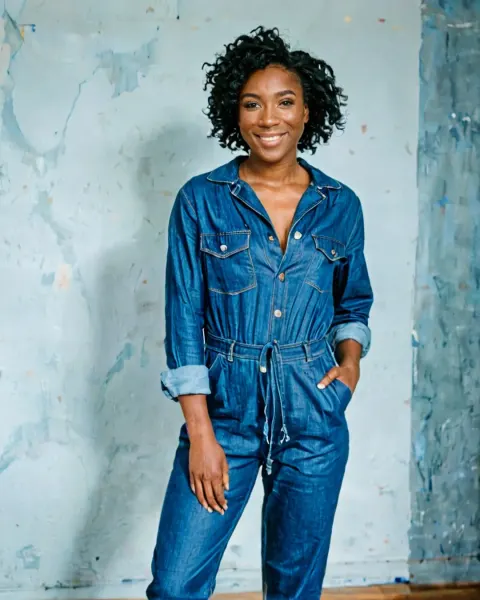 Women44 prompts
 Men46 prompts
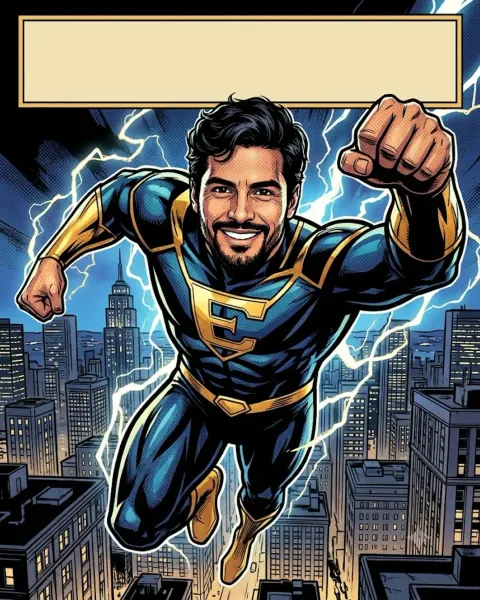 Anime59 prompts
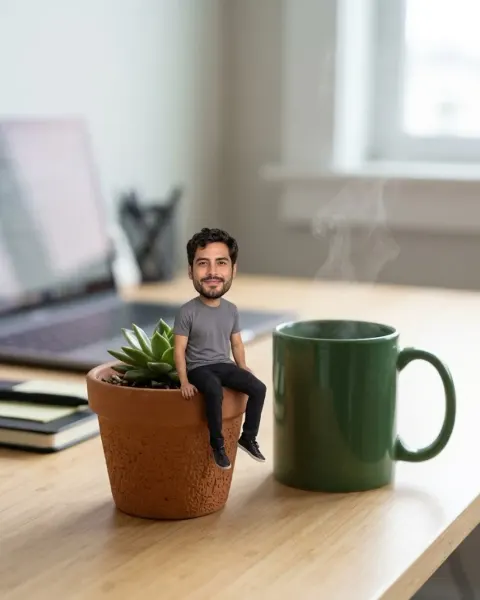 3D figure56 prompts
 Retro47 prompts
 Bollywood23 prompts
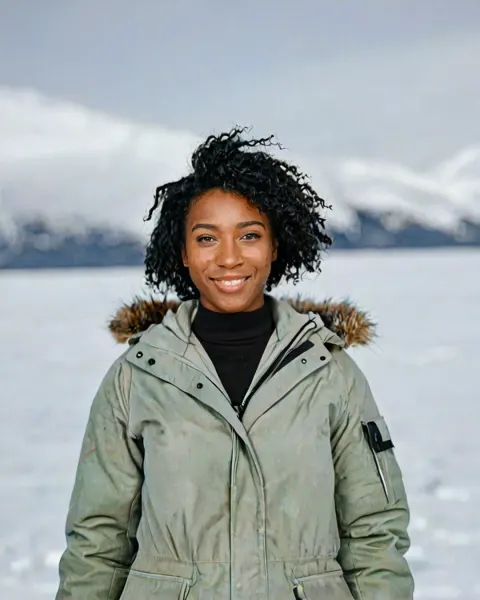 Cinematic31 prompts
 Festivals93 prompts
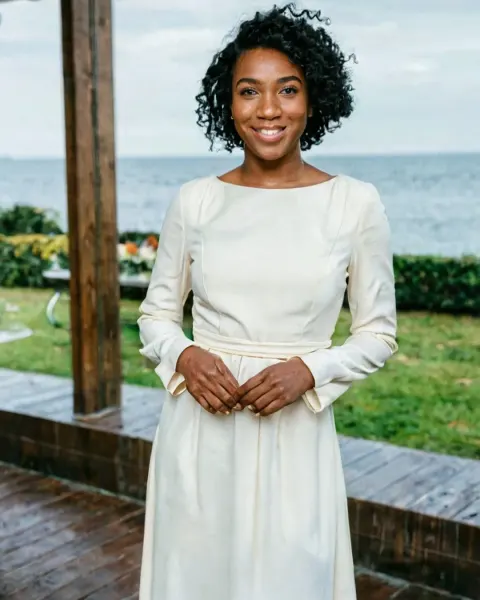 Wedding52 prompts
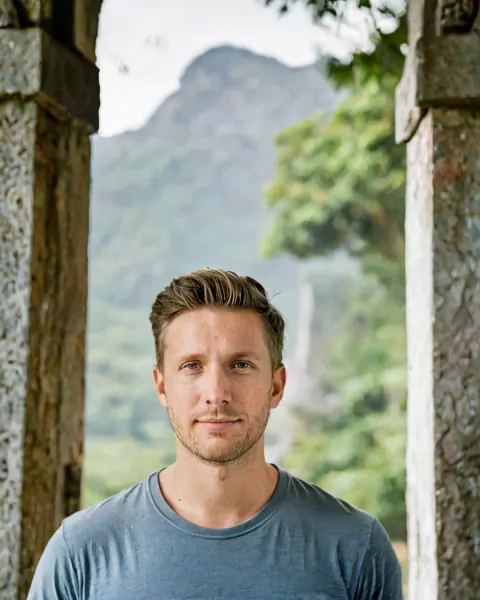 Travel34 prompts
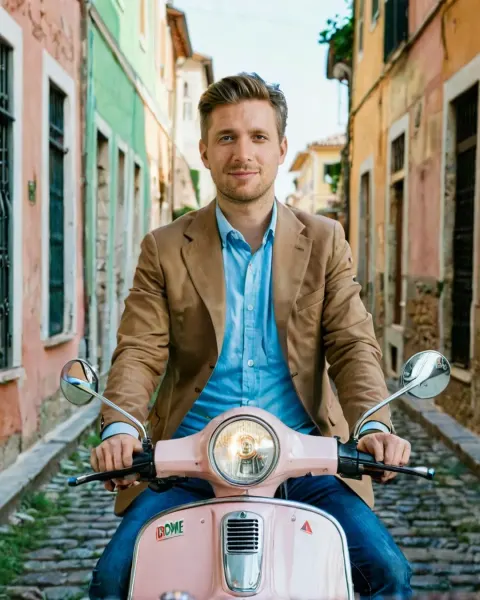 Italian27 prompts
Get every prompt in the Prompt Pose app
New prompts every week, one-tap copy and open in Gemini or ChatGPT. Free on Android.
Coming soon on Google Play